Why Cloud Costs Are Keeping CTOs Up at Night
Cloud spending is growing fast, but so is cloud waste. According to Flexera's 2025 State of the Cloud Report, organizations waste an average of 32% of their cloud spend. Gartner estimates that global cloud spending surpassed $800 billion in 2025 and projects it will exceed $1 trillion by 2027.
That means hundreds of billions of dollars are being spent on idle resources, oversized instances, and missed discount opportunities every year. For individual companies, the numbers are just as striking: a mid-size business spending $50,000 per month on AWS could be throwing away $16,000 monthly without realizing it.
The good news? AWS cost optimization is a learnable skill, and companies that get it right routinely cut their bills by 30 to 60 percent.
How AWS Pricing Actually Works
If you are new to cloud computing, AWS pricing can feel overwhelming. But the core concept is simple: you pay for what you use.
Unlike traditional IT where you buy servers upfront, AWS charges by the hour, minute, or even second depending on the service. There is no minimum commitment for most services, and you can scale up or down at any time.
AWS uses three main pricing models:
- On-Demand: Pay the full listed price with no commitment. Maximum flexibility, highest cost per unit.
- Savings Plans and Reserved Instances: Commit to a one-year or three-year term in exchange for discounts of up to 72%.
- Spot Instances: Use spare AWS capacity at discounts up to 90%, but AWS can reclaim the instance with two minutes notice.
Understanding which model fits each workload is the foundation of cost optimization.
What Do Common AWS Services Actually Cost?
Here is a rough guide to what the most popular AWS services cost. These are approximate US East (N. Virginia) prices and will vary by region, configuration, and usage patterns.
| Service | What It Does | Typical Monthly Cost |
|---|---|---|
| EC2 (t3.medium) | Virtual server | ~$30/month (On-Demand) |
| EC2 (m5.xlarge) | Larger virtual server | ~$140/month (On-Demand) |
| S3 | Object storage | ~$0.023 per GB/month |
| RDS (db.t3.medium, MySQL) | Managed database | ~$50/month (On-Demand) |
| Lambda | Serverless functions | First 1M requests free, then $0.20 per 1M |
| EKS | Managed Kubernetes | $0.10/hour (~$73/month) per cluster + EC2 costs |
| CloudFront | Content delivery (CDN) | ~$0.085 per GB (first 10 TB) |
| NAT Gateway | Outbound internet for private subnets | ~$32/month + $0.045/GB processed |
The Hidden Costs
Data transfer, NAT Gateways, and Elastic IPs are often the biggest surprises on AWS bills. Many teams forget that moving data between regions or out to the internet is not free. Always factor in data transfer costs when estimating a workload.
7 Proven Strategies to Cut Your AWS Bill
1. Right-Size Your Instances
Right-sizing means matching your instance type and size to what your workload actually needs. It is the single highest-impact optimization for most companies. AWS Compute Optimizer analyzes your usage patterns and recommends smaller or different instance types when your current ones are under-utilized.
If your average CPU utilization is below 40%, you are almost certainly paying for capacity you do not need. Switching from an m5.xlarge to an m5.large, for example, cuts that instance cost in half.
2. Use Auto Scaling
Why pay for 10 servers around the clock when you only need 10 during peak hours and 2 at night? Auto Scaling automatically adjusts the number of running instances based on demand. You define the rules (such as "keep average CPU utilization around 60%"), and AWS handles the rest.
Auto Scaling is especially powerful for web applications with variable traffic. Companies routinely save 30 to 50 percent on compute costs by scaling down during off-peak hours.
3. Take Advantage of Spot Instances
Spot Instances let you use spare AWS capacity at discounts of up to 90% compared to On-Demand pricing. The trade-off is that AWS can reclaim them with a two-minute warning.
Spot is ideal for batch processing, CI/CD pipelines, data analytics, and any workload that can handle interruptions. Many organizations use a mixed approach: a base of On-Demand instances for stability, supplemented by Spot Instances for cost savings.
4. Commit with Savings Plans
If you know you will be running certain workloads for the next year or longer, Savings Plans offer discounts of up to 72%. Unlike the older Reserved Instances model, Compute Savings Plans are flexible. They apply across EC2, Fargate, and Lambda, regardless of instance family, size, or region.
Start conservatively by committing only to your baseline usage (the minimum you always run). You can always add more later.
5. Optimize S3 Storage Tiers
Not all data needs to be stored in the most expensive tier. S3 offers multiple storage classes at different price points:
- S3 Standard: For frequently accessed data (~$0.023/GB)
- S3 Infrequent Access: For data accessed less than once a month (~$0.0125/GB)
- S3 Glacier: For archival data that rarely needs retrieval (~$0.004/GB)
- S3 Deep Archive: For long-term archives (~$0.00099/GB)
Setting up lifecycle policies to automatically move aging data to cheaper tiers can reduce storage costs by 60 to 80 percent. S3 Intelligent-Tiering can do this automatically if your access patterns are unpredictable.
6. Clean Up Unused Resources
Orphaned resources are pure waste, and they are shockingly common. Unattached EBS volumes, idle Elastic IPs ($3.65/month each), unused load balancers, old snapshots, and forgotten development instances add up quickly.
Schedule a monthly cleanup or use AWS Trusted Advisor to flag resources that are costing money but doing nothing.
7. Use Reserved Instances for Databases
Savings Plans cover EC2, Fargate, and Lambda, but for RDS, ElastiCache, and Redshift, Reserved Instances are still the best discount mechanism. If you run a production database 24/7, a one-year Reserved Instance can save you 30 to 40 percent compared to On-Demand pricing.
Start with the Quick Wins
You do not need a major project to start saving. Cleaning up unused resources, enabling S3 lifecycle policies, and right-sizing a few over-provisioned instances can save thousands of dollars in the first month alone.
What Is FinOps? The Career Behind Cloud Cost Management
As cloud bills have grown, a new discipline has emerged to manage them: FinOps (short for Financial Operations). FinOps brings together engineering, finance, and business teams to make informed decisions about cloud spending.
The FinOps Foundation defines the practice as "an evolving cloud financial management discipline and cultural practice that enables organizations to get maximum business value by helping engineering, finance, and business teams to collaborate on data-driven spending decisions."
In practical terms, FinOps practitioners do things like:
- Build dashboards that show teams exactly what they are spending and why
- Implement tagging strategies so costs can be allocated to specific projects and teams
- Negotiate enterprise discount programs with cloud providers
- Set budgets and alerts to catch runaway spending before it becomes a problem
- Identify and execute optimization opportunities across the organization
FinOps Career Paths and Salary Data
FinOps is one of the fastest-growing specializations in cloud computing. As more companies move to the cloud, demand for people who can manage cloud finances is surging.
| Role | Average Salary (US) | Experience Level |
|---|---|---|
| FinOps Analyst | $85,000 - $110,000 | Entry to mid-level |
| FinOps Engineer | $110,000 - $145,000 | Mid-level |
| Senior FinOps Engineer | $140,000 - $175,000 | Senior |
| FinOps Manager / Director | $160,000 - $210,000 | Leadership |
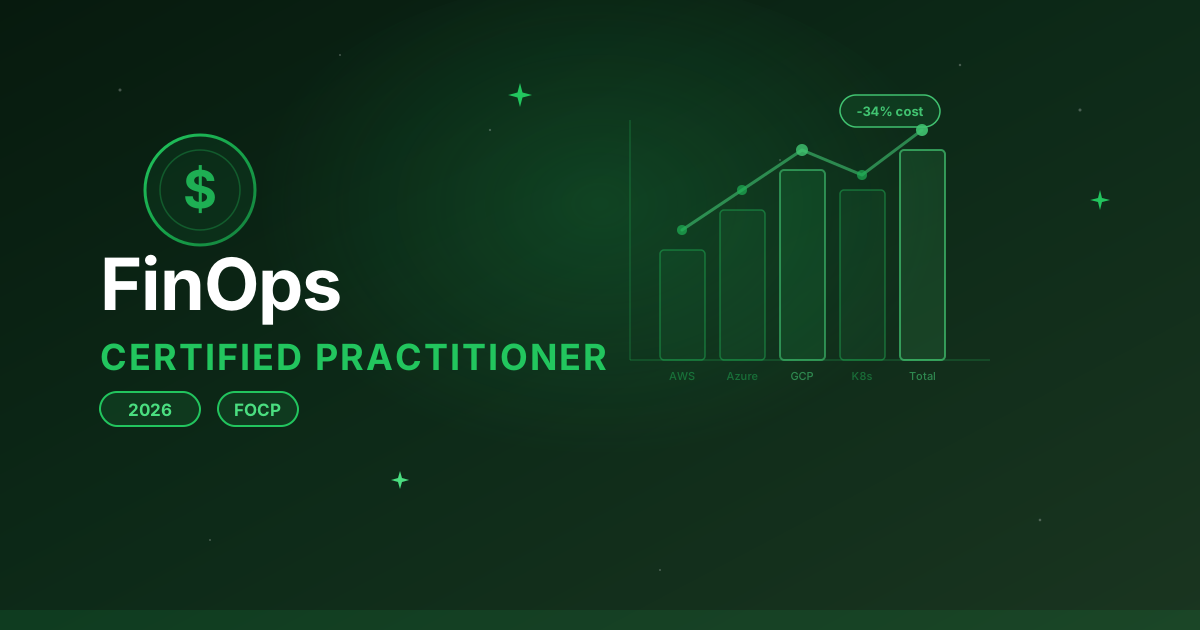
The FinOps Certified Practitioner certification from the FinOps Foundation is becoming a standard credential in the field. It validates your understanding of FinOps principles, cloud pricing models, and optimization strategies. If you are exploring cloud certifications more broadly, our AWS certifications roadmap for 2026 covers the full landscape of credentials available.
Why FinOps Is a Great Career Move
FinOps roles are unique because they sit at the intersection of engineering and business. You do not need to be a deep infrastructure expert, but you do need to understand cloud services, pricing models, and how to communicate cost data to non-technical stakeholders. It is an excellent path for people who enjoy both technology and business strategy.
AWS Cost Management Tools You Should Know
AWS provides several built-in tools for monitoring and managing costs:
- AWS Cost Explorer: Visualize and analyze your spending patterns over time. Identify trends, spot anomalies, and forecast future costs. This should be the first tool you set up.
- AWS Budgets: Set spending thresholds and receive alerts when you approach or exceed them. You can create budgets at the account, service, or tag level.
- AWS Trusted Advisor: Provides automated recommendations for cost optimization, including idle resources, under-utilized instances, and unused Reserved Instances.
- AWS Compute Optimizer: Uses machine learning to analyze your resource usage and recommend optimal instance types and sizes.
- Cost Anomaly Detection: Monitors your spending for unusual patterns and sends alerts when something looks off, such as a sudden spike in a specific service.
Common Costly Mistakes to Avoid
Even experienced teams make these errors:
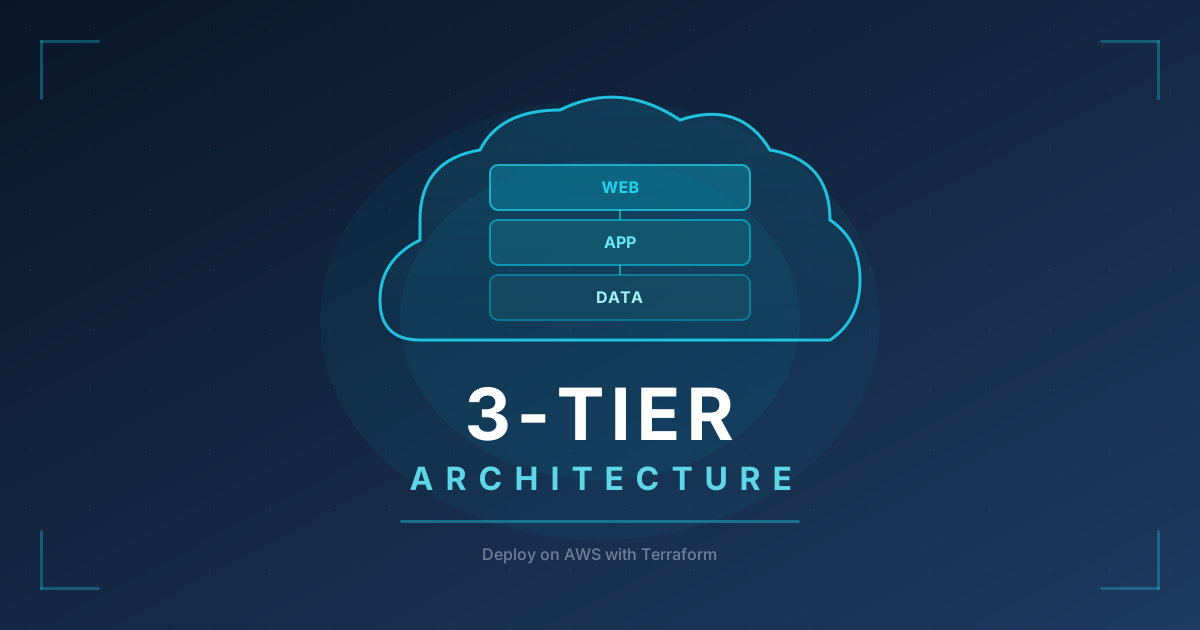
- Forgetting about data transfer costs: Moving data between AWS regions or out to the internet adds up fast. Architect to minimize cross-region data transfer. For a practical example of cost-conscious architecture, see our guide to deploying a 3-tier AWS application with Terraform.
- Leaving development resources running: That "temporary" test cluster from three months ago is still costing you money. Use automated schedules to shut down non-production resources outside business hours.
- Over-provisioning "just in case": It is tempting to provision extra capacity for safety, but in the cloud you can scale up in minutes. Start smaller and scale when needed.
- Ignoring the bill until it is too late: Set up AWS Budgets and alerts from day one. Catching a cost spike after one week is much cheaper than discovering it at month end.
- Not tagging resources: Without proper tags, you cannot tell which team, project, or environment is driving costs. Enforce a tagging policy early.
The $10,000 Mistake
It is not uncommon for developers to accidentally leave expensive GPU instances or large EKS clusters running in personal or development accounts. One forgotten p3.2xlarge instance costs over $2,200 per month. Always set billing alerts, even on accounts you think are low-risk.
Frequently Asked Questions
Is AWS cheaper than running your own data center? For most organizations, yes. AWS eliminates capital expenditure on hardware, reduces the need for data center staff, and lets you pay only for what you use. However, without active cost management, cloud bills can exceed what you would have spent on-premises. The key is optimization.
What is the AWS Free Tier? AWS offers a Free Tier that includes limited usage of many services for 12 months after you create an account. For example, you get 750 hours per month of t2.micro or t3.micro EC2 instances, 5 GB of S3 storage, and 1 million Lambda requests per month. Some services like Lambda and DynamoDB have an always-free tier that does not expire.
How much does a typical small business spend on AWS? Small businesses typically spend between $500 and $5,000 per month on AWS, depending on their workload. A simple web application with a database might cost $100 to $300 per month, while a more complex setup with multiple environments and higher traffic could run $2,000 to $5,000.
How often should I review my AWS costs? At minimum, review your bill monthly. Set up AWS Budgets with weekly email alerts so you catch anomalies quickly. Many FinOps teams review costs weekly and do a deep-dive analysis monthly.
Is Savings Plans or Reserved Instances better? For most use cases, Compute Savings Plans are the better choice because they are more flexible. They apply across EC2 instance families, Fargate, and Lambda. Reserved Instances are still useful for RDS and ElastiCache, where Savings Plans do not apply.
Build Your Cloud Cost Skills with Hands-On Practice
Understanding AWS pricing and cost optimization is one thing. Actually implementing these strategies in a live environment is another. The best way to develop these skills is through hands-on practice in cloud lab environments: configuring auto scaling policies, setting up S3 lifecycle rules, analyzing Cost Explorer data, and right-sizing instances in real AWS environments.
CloudaQube lets you describe the cost optimization scenario you want to practice, and AI generates a hands-on lab tailored to your learning goals. Whether you are preparing for a FinOps role or just trying to get your team's AWS bill under control, there is no substitute for doing it yourself.
Want to practice this hands-on?
CloudaQube generates complete labs from a simple description. Try it free.
Get Started Free